
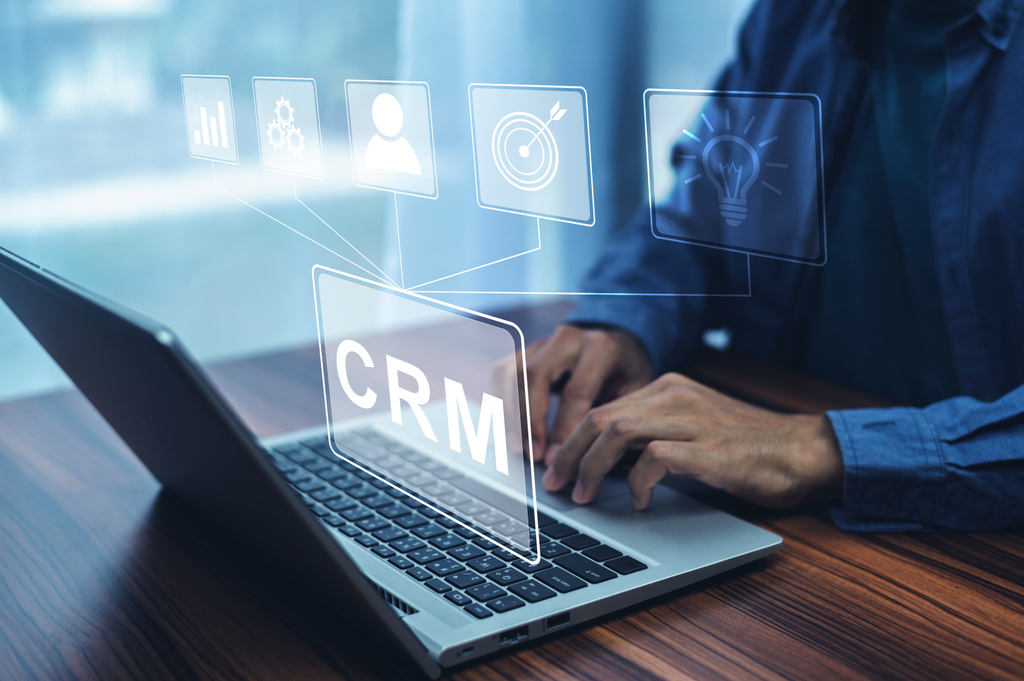
What Is a CRM System, and Why Is It So Important?
CRM software is a technology solution designed to manage and optimize a company’s interactions with current and potential customers. It centralizes customer data, tracks engagement, and provides actionable insights to improve service and sales. But beyond its technical definition, why is it so crucial?
Centralized Data Management
Gone are the days of fragmented spreadsheets and scattered email threads. A CRM system consolidates all customer information—contact details, purchase history, preferences, and communication logs—into one accessible platform. This centralization not only saves time but also ensures accuracy in customer interactions, reducing the chances of miscommunication.
Enhanced Customer Experience
With a CRM system, businesses can provide a personalized experience by anticipating customer needs. For example, when sales teams have access to a customer’s previous inquiries and purchase history, they can tailor their recommendations and responses, fostering trust and loyalty.
Improved Collaboration Across Teams
A CRM system serves as a single source of truth for sales, marketing, and customer service teams. By reducing silos, it ensures all departments are aligned in their understanding of the customer journey. This alignment leads to higher productivity and better outcomes.
Scalability for Growth
For small and medium-sized enterprises (SMEs), a CRM system lays the foundation for sustainable growth. It enables businesses to scale without losing track of customer relationships, which can be a challenge as customer bases expand.
CRM Systems and Their Relevance to Small Businesses and Associations
While CRM systems are often associated with large corporations, their relevance to small businesses and associations cannot be overstated.
Unique Challenges Faced by Small Organizations
Small businesses and associations often operate with limited resources, making efficiency a top priority. They may struggle with:
-
Maintaining consistent communication with customers or members.
-
Tracking leads and opportunities.
-
Managing workflows and team collaboration.
How CRM Software Addresses These Challenges
-
Cost-Effective Solutions: Many CRM providers offer scalable and affordable plans tailored to small businesses, ensuring that even the smallest organizations can benefit.
-
Ease of Use: Modern CRMs are designed to be user-friendly, with intuitive interfaces and minimal setup requirements.
-
Automation of Repetitive Tasks: Features like automated email follow-ups, appointment scheduling, and data entry reduce the administrative burden on small teams.
Associations: Building Member Relationships
For associations, a CRM system can track member engagement, renewals, and event participation. This data allows for more targeted communication and ensures that members feel valued and connected to the organization.
Why Do Small Organizations Need CRM?
Better Lead Management
Small organizations often rely heavily on converting leads into customers. A CRM system can track every stage of the sales funnel, ensuring no opportunity is missed.
Data-Driven Decision-Making
With detailed analytics at their fingertips, small businesses can make informed decisions about marketing campaigns, customer segmentation, and resource allocation.
Time-Saving Automation
By automating tasks like sending reminders or updating records, small organizations can focus on strategic activities rather than administrative work.
Competitive Advantage
In a crowded market, small businesses need every advantage they can get. A CRM system helps them punch above their weight by offering the same tools that larger competitors use.
Features That Make CRM Systems Indispensable
Contact Management
At its core, a CRM system is a database of all customer interactions, allowing businesses to organize and access this information efficiently.
Sales Pipeline Tracking
This feature provides a visual representation of where each lead is in the sales process, helping teams prioritize their efforts.
Email Integration
Many CRM systems integrate seamlessly with email platforms, enabling businesses to send, receive, and track emails within the CRM interface.
Task and Activity Management
A CRM system can assign tasks, set reminders, and track progress, ensuring nothing slips through the cracks.
Customizable Dashboards
Dashboards present key metrics at a glance, allowing for quick decision-making.
The Advantages of CRM Systems in Practice
|
Benefit
|
Description
|
|---|---|
|
Improved Customer Retention
|
By tracking customer preferences and behaviors, businesses can foster stronger relationships and reduce churn.
|
|
Increased Sales Efficiency
|
Sales teams can prioritize high-value leads and close deals faster with better organization and insights.
|
|
Enhanced Reporting
|
Detailed metrics provide a clear picture of performance, helping businesses identify strengths and weaknesses.
|
Data Source: Forbes.com
How to Effectively Implement a CRM System
Step 1: Define Your Goals
Before selecting a CRM system, identify what you hope to achieve. Are you looking to improve customer retention, streamline sales, or enhance team collaboration?
Step 2: Choose the Right Software
Research CRM providers to find one that aligns with your budget, team size, and feature requirements.
Step 3: Train Your Team
Even the best CRM software is useless without proper training. Ensure all team members understand how to use the system and see its value.
Step 4: Start Small
Begin with a pilot phase to test the software and make adjustments before rolling it out company-wide.
Tips for Maximizing CRM Effectiveness
-
Keep Data Updated: Regularly review and clean your database to ensure accuracy.
-
Integrate with Other Tools: Many CRMs can integrate with marketing automation, e-commerce, or accounting software.
-
Regularly Review Performance: Use analytics to measure the effectiveness of your CRM strategies and make improvements as needed.
Frequently Asked Questions (FAQs)
Q1: Can a small business afford a CRM system?
A1: Yes, many CRM providers, such as HubSpot and Zoho, offer free or low-cost plans for small businesses.
Q2: What are the most important features to look for in a CRM system?
A2: Key features include contact management, sales tracking, email integration, and task automation.
Q3: How long does it take to implement a CRM system?
A3: Implementation time varies but typically takes a few weeks, depending on the complexity of the system and the organization’s size.
Q4: Is CRM software only for sales teams?
A4: No, marketing, customer service, and even HR teams can benefit from using CRM software.
Q5: What is the biggest challenge in using a CRM system?
A5: The most common challenge is ensuring all team members consistently use the system and keep data updated.
This article is for informational purposes only. The information provided is based on publicly available data and expert opinions at the time of writing. Readers are encouraged to verify the details with CRM providers and other reliable sources.
References
-
Zoho CRM (Product Features): https://www.zoho.com/crm/
-
Gartner (Technology Research): https://www.gartner.com/en/information-technology