
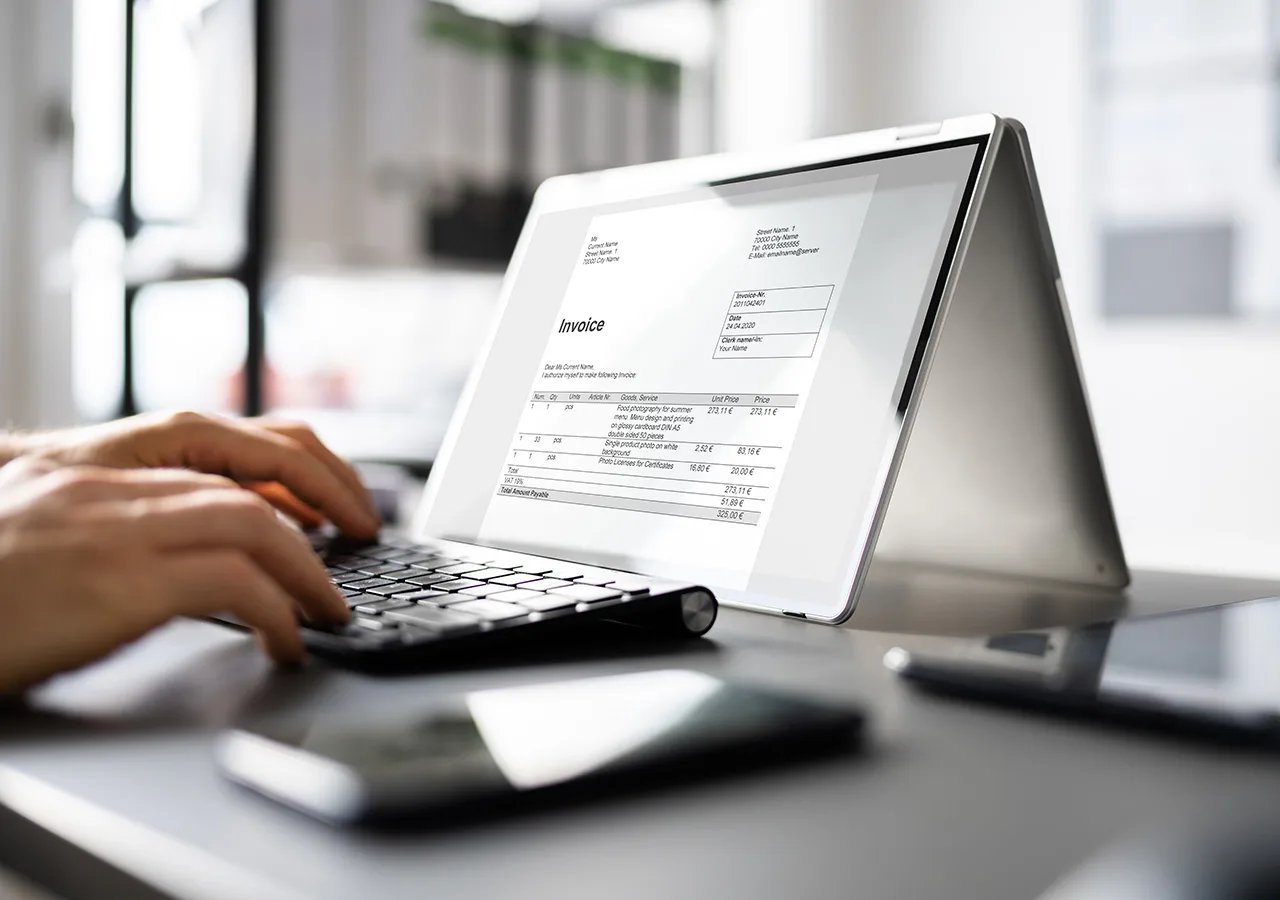
What Is an Electronic Invoice Processing System?
An electronic invoice processing system digitizes and automates the management of invoices, replacing traditional paper-based methods. These systems are designed to efficiently capture, process, and approve invoices, ensuring accurate and timely payments.
Definition of an Invoice Processing Electronic System
An electronic invoice processing system is a software-based solution that automates the receipt, validation, and payment of invoices. It integrates with financial tools like SAP or Excel, eliminating manual entry and reducing processing time.
Why Are Electronic Invoice Processing Systems Important?
With the increasing volume of invoices businesses handle, manual processing becomes error-prone and time-consuming. Electronic systems ensure accuracy, compliance, and faster processing, making them essential for modern financial operations.
Key Components of Electronic Invoice Processing Systems
Electronic invoice processing systems consist of several essential components that work together to streamline workflows.
1. Data Capture and Extraction
-
What It Does: Uses optical character recognition (OCR) or sensors to capture invoice data from scanned documents or emails.
-
Benefit: Eliminates manual data entry, reducing errors.
2. Validation and Approval Workflow
-
What It Does: Automatically verifies invoice details, such as amounts and vendor information, and routes them for approval.
-
Benefit: Speeds up the approval process and ensures compliance.
3. Integration with Financial Systems
-
What It Does: Connects with platforms like SAP or Excel to synchronize data across departments.
-
Benefit: Ensures seamless communication between accounts payable and other financial tools.
4. Reporting and Analytics
-
What It Does: Provides insights into invoice processing times, errors, and payment trends.
-
Benefit: Helps businesses identify inefficiencies and improve workflows.
5. Archiving and Compliance
-
What It Does: Stores invoices securely for future reference and ensures compliance with tax regulations.
-
Benefit: Simplifies audits and reduces legal risks.
Types of Electronic Invoice Processing Systems
Various electronic invoice processing systems are available, each catering to different business needs.
1. Manual Invoice Processing Systems
-
Features: Relies on basic tools like Excel or manual uploads.
-
Applications: Suitable for small businesses with limited invoices.
2. Semi-Automated Systems
-
Features: Combines manual input with automated functions like OCR.
-
Applications: Ideal for medium-sized businesses transitioning to full automation.
3. Fully Automated Systems
-
Features: Uses AI and machine learning to handle end-to-end invoice processing.
-
Applications: Perfect for large enterprises with high invoice volumes.
4. Cloud-Based Systems
-
Features: Accessible from any device with internet connectivity.
-
Applications: Suitable for businesses with remote teams or multiple locations.
5. Integrated Systems with SAP
-
Features: Seamlessly integrates with SAP to synchronize invoice data with other financial processes.
-
Applications: Designed for businesses using SAP as their primary ERP tool.
Benefits of Electronic Invoice Processing Systems
Switching to an electronic invoice processing system offers numerous advantages that impact efficiency, costs, and accuracy.
1. Time-Saving Automation
Automates repetitive tasks like data entry and validation, allowing employees to focus on strategic activities.
2. Enhanced Accuracy
Reduces errors caused by manual data entry, ensuring invoices are processed correctly the first time.
3. Cost Efficiency
Minimizes paper usage, postage costs, and labor expenses associated with manual processing.
4. Improved Cash Flow Management
Real-time tracking of invoices helps businesses manage payments and avoid late fees.
5. Scalability
Adapts to growing invoice volumes, making it suitable for businesses of all sizes.
6. Compliance and Security
Ensures adherence to tax laws and secures sensitive financial data through encryption and access controls.
Applications of Electronic Invoice Processing Systems
These systems are used across various industries to handle unique invoicing challenges. Below are common applications:
|
Industry
|
Application
|
Outcome
|
|
Retail
|
Managing high volumes of supplier invoices
|
Faster processing and fewer errors
|
|
Manufacturing
|
Tracking payments for raw materials
|
Improved cash flow and supplier relationships
|
|
Healthcare
|
Handling invoices for medical supplies
|
Ensures compliance with healthcare regulations
|
|
Technology
|
Processing service contracts and licenses
|
Streamlines recurring payments
|
|
Construction
|
Managing project-based invoicing
|
Reduces delays in payment approvals
|
(Source: Global Invoice Automation Market Report)
How to Choose the Right Electronic Invoice Processing System
Selecting the ideal system requires careful consideration of your business needs and goals.
1. Assess Your Current Workflow
-
Identify bottlenecks and inefficiencies in your existing process.
-
Determine whether you need a manual, semi-automated, or fully automated system.
2. Evaluate Integration Capabilities
-
Ensure the system integrates with your existing tools, such as SAP or Excel.
-
Check for compatibility with other financial and operational systems.
3. Consider Scalability
-
Choose a system that can grow with your business and handle increasing invoice volumes.
4. Prioritize User-Friendliness
-
Opt for a system with an intuitive interface that requires minimal training.
5. Budget and ROI Analysis
-
Compare upfront costs with long-term benefits like reduced labor expenses and faster payments.
6. Test Free Trials
-
Many providers offer free trials or demos to help you evaluate functionality and usability.
Cost Comparison: Manual vs Automated Invoice Processing Systems
Understanding the cost implications of different systems can help businesses make informed decisions.
|
System Type
|
Average Cost (USD)
|
Best For
|
|
Manual Systems
|
$0 -$1,000
|
Small businesses with minimal invoice volumes
|
|
Semi-Automated Systems
|
$1,000 -$5,000
|
Medium-sized businesses optimizing workflows
|
|
Fully Automated Systems
|
$10,000 -$50,000+
|
Large enterprises with complex operations
|
|
Cloud-Based Solutions
|
$50 -$500/month
|
Businesses needing remote accessibility
|
|
Integrated SAP Systems
|
Custom Pricing
|
Organizations using SAP as their ERP solution
|
(Source: Electronic Invoice Software Cost Analysis, 2024)
Emerging Trends in Electronic Invoice Processing Systems
The future of electronic invoice processing is shaped by advancements in technology and changing business needs.
1. Artificial Intelligence and Machine Learning
-
AI-driven systems predict anomalies and optimize workflows, reducing manual intervention.
2. Blockchain for Transparency
-
Blockchain ensures secure, tamper-proof invoice records, enhancing trust in financial transactions.
3. IoT Integration
-
Sensors and IoT devices automate data capture, making invoice processing faster and more accurate.
4. Mobile Accessibility
-
Businesses increasingly demand mobile-friendly systems for on-the-go invoice management.
5. Sustainable Practices
-
Digital systems eliminate paper use, supporting eco-friendly business initiatives.
FAQs:
1. What is an invoice processing electronic system in SAP?
It’s an SAP-integrated tool that automates invoice workflows and synchronizes data with other financial processes.
2. Can I use Excel for electronic invoice processing?
Yes, Excel can be used for manual systems, but it lacks automation and scalability compared to specialized software.
3. How does sensor-based invoice processing work?
Sensors and IoT devices capture data from physical invoices, streamlining digitization and reducing errors.
4. What is an invoice processing electronic system design?
It refers to the architecture and features of a system, including data capture, workflow automation, and reporting.
5. Are micro image systems used in invoice processing?
Yes, micro image systems are used to scan and digitize physical invoices for electronic processing.
Electronic invoice processing systems are transforming the way businesses manage payments. By automating workflows, reducing errors, and integrating with platforms like SAP or Excel, these systems improve efficiency and scalability. Understanding the components, costs, and emerging trends can help businesses select the right solution to optimize their financial operations.